
All Cameras >> France >> Electro Electronics and Sound
Note: We've had trouble contacting this cam recently. Live views probably aren't available.
|
|
|
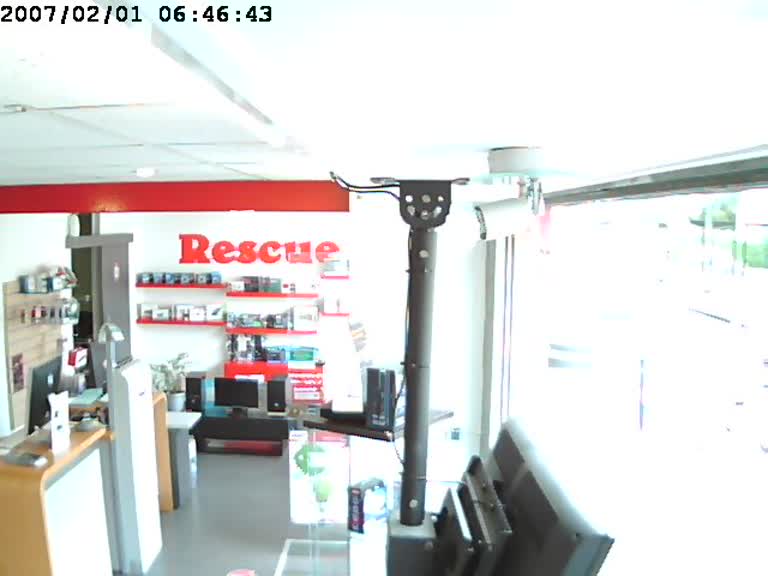
Rating:
3.00 from 0 votes
Comments (14)
To view more comments and suggest corrections for the camera information, please log in.
Recently Viewed

Parking Lot
Japan

Park
Netherlands

Neighborhood
Norway

Traffic webcam
Taiwan

Meudon Observatory ...
France

Jackdaw Nest Cam
Switzerland

Alaska Climate Rese...
United States

Piazza del Popolo
Italy

Neuner-Funk on Hart...
Germany

Marktplatz Coburg f...
Germany
Yes MD ... I think it only works with Windows 7 and nothing else. So much for "progress." ;-)
Indeed NQ ... and it doesn't work in Firefox on my old XP desktop either. I also tried downloading a Firefox IP locator add-on on my laptop, but it only shows the IP of the host website (i.e. Opentopia) and not what is on the actual webcam page I'm looking at.
I'm Firefox and Windows 7 and it works for me.
Mira I heard that quite a few things were different on W8 & W8.1 but didn't realize that included right click menus :(
Another reason why I'll stick with W7 till my pc dies !
NQ, my problem is that in Firefox when I right-click on the webcam (I assume you mean the webcam image?) nothing happens ... I don't get any menu of any kind coming up at all ... and I'm using the latest version of Firefox on my Windows 8.1 laptop. ;-/
Mira I haven't been able to get ip info on IE either.
On Firefox just Right click onto the webcam and choose "View Image Info" from that index. In the image info window click onto the Media tab where you'll see the url of the webcam highlighted. The ip # is part of the url, in the case of this webcam it's http://31.36.162.177/anony/mjpg.cgi
You then take the ip# 31.36.162.177 to http://www.ip2location.com/free.asp and paste it into the" Enter ip#" box and then click the search button.
Not all webcams have the ip# in it's url so there's no way of finding out where they're located other then by sun up/sun down times.
Don't worry Trix ... I still can't find camera IP addresses, either using the latest version of Firefox, or Internet Explorer ... it simply doesn't work for me. :-/
wow...theres tools for that, huh...learn something new every day
Trix the ip# for this cam is 31.36.234.221 which comes back to being in France with the ip# tools I used.
oh...okay....interesting
From the IP address.
now how do you know that
Trix you're right, it's France.
this isn't in the united states...it's dark ....must be across the pond